

Heidi for groups and trusts
The platform groups run their campuses on
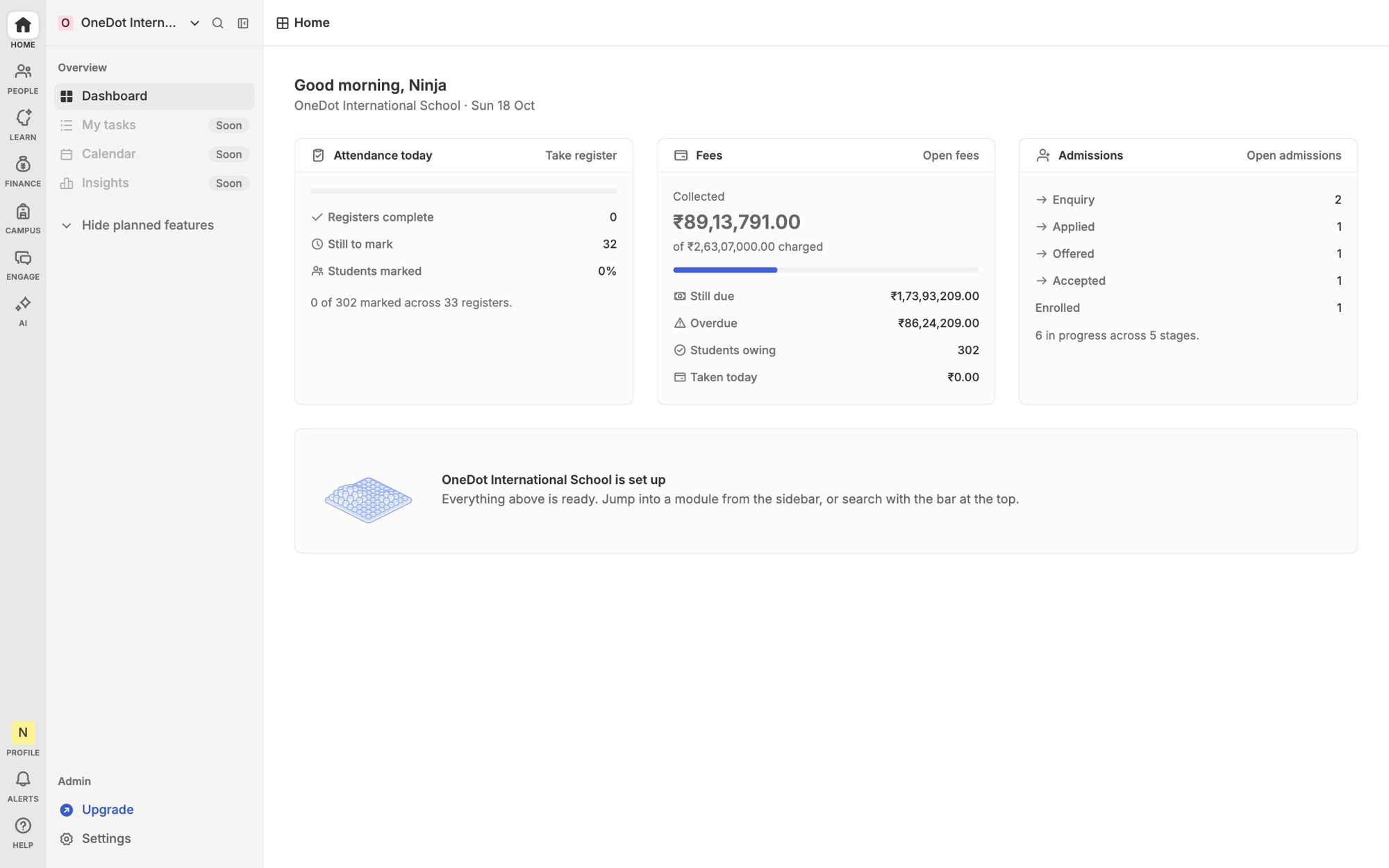
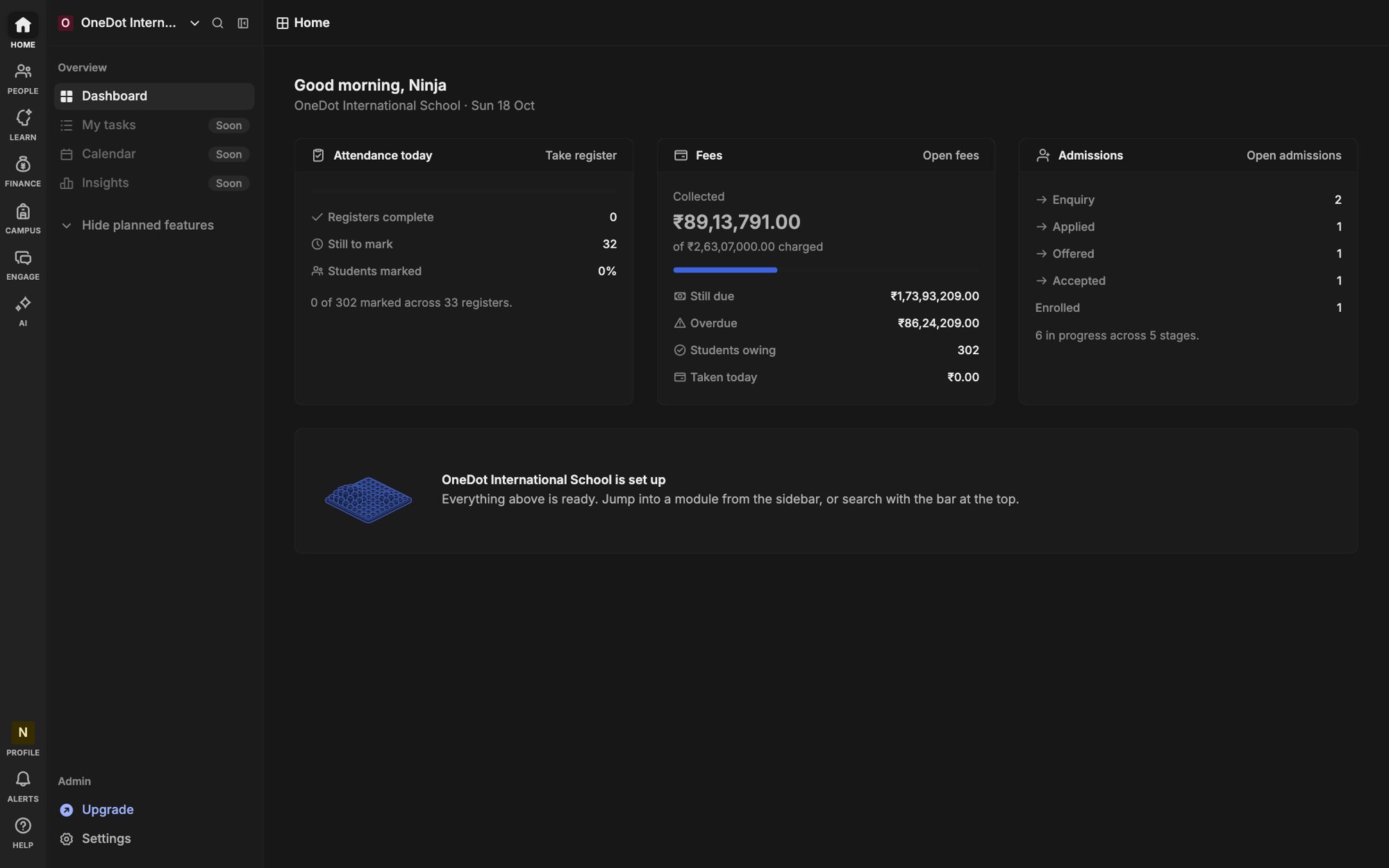
Each campus keeps running its own day. You see enrolment, fees and attendance across all of them, without asking anyone for a spreadsheet.
Campuses
In this example group
3
Learners
Across all of them
2640
Fees collected
This term, group-wide
78%
Place to look
One dashboard
1
Connect your favourite tools
- Google
- Google Calendar
- Gmail
- Microsoft
- Payments
- SMS
- Biometric
- Accounting
- API
- Webhooks
- Imports
Campuses side by side
Compare enrolment, collection and attendance on one screen.Roles across campuses
A role template applies to every campus. Local heads adjust within it.Shared set-up
Fee heads, grade scales and forms defined once and reused.A clean audit trail
See who changed what, at which campus, and when.
Overview
Know how every campus is doing
Open one dashboard and see learners, fee collection and attendance per campus. Click through to the detail when something looks off.
- Per-campus and group totals
- Trends by term
- Drill down to a class
Admissions
One front door for applicants
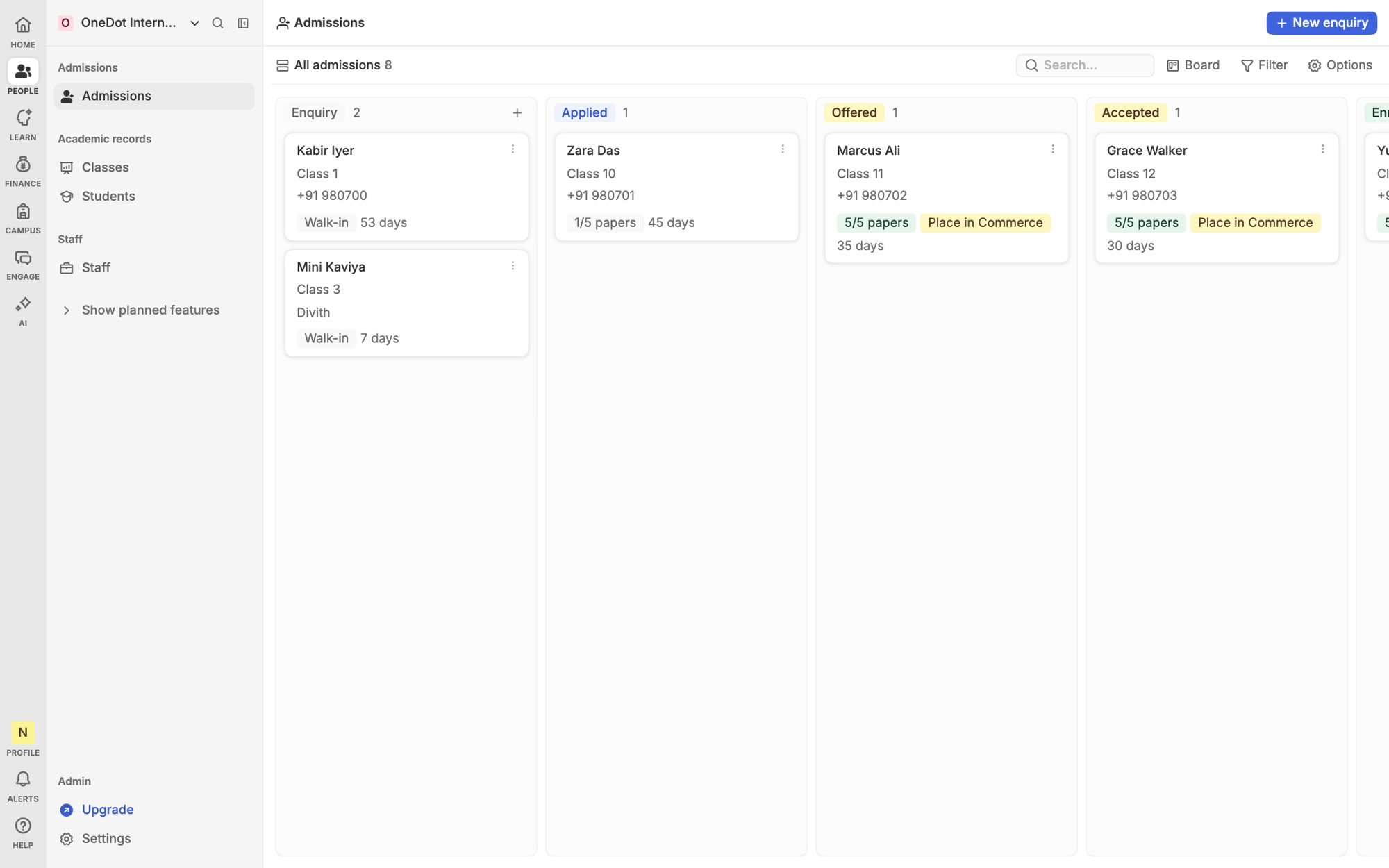
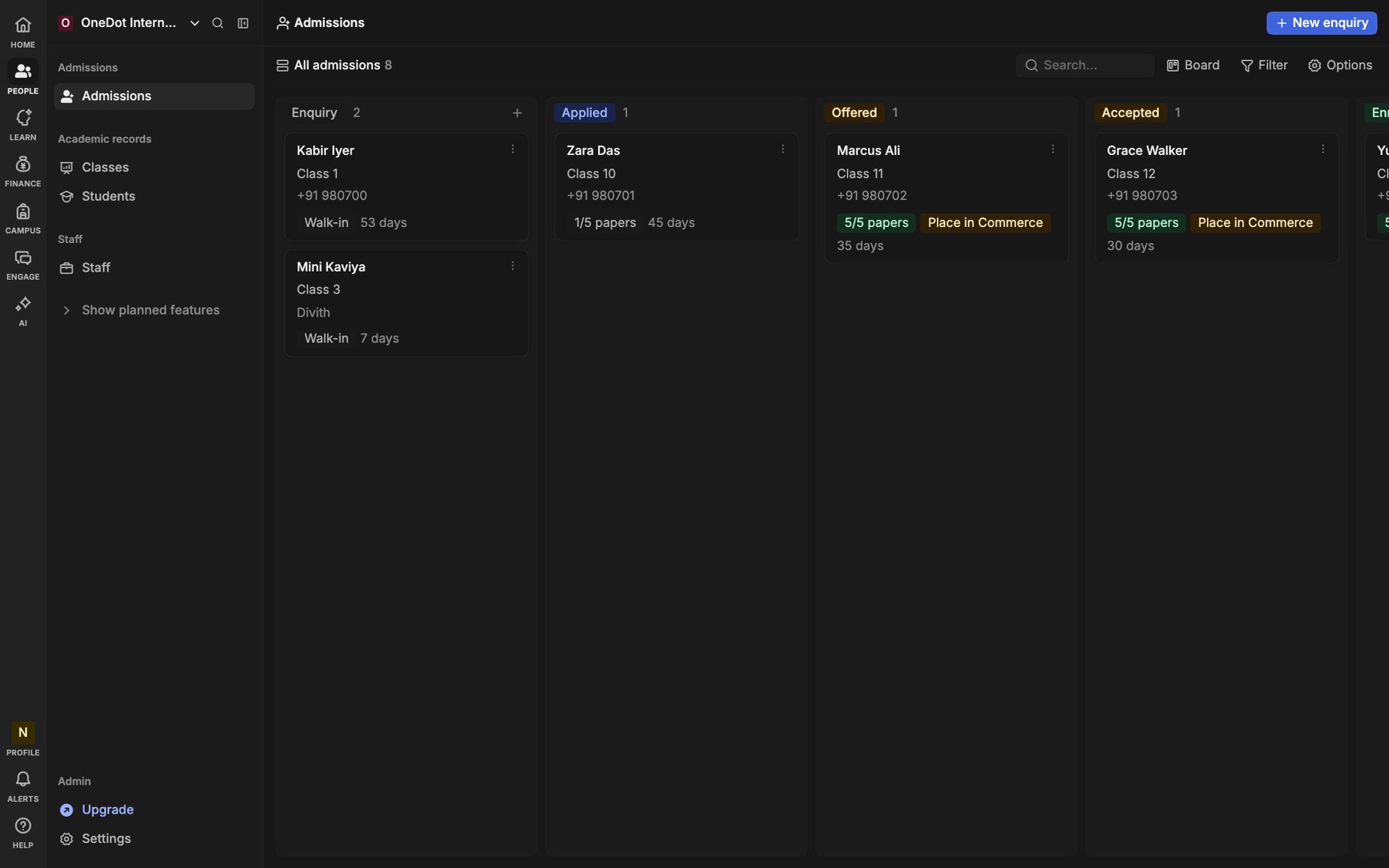
A family applies once and the group places them at the campus with seats. Staff see only their own campus's applicants.
- Shared enquiry form
- Seat counts per campus
- Transfers between campuses
Fees
Collection you can compare
Same fee heads at every campus mean the numbers line up. Spot the campus that is falling behind before the term ends.
- Group fee templates
- Collection by campus and class
- Export for your accountant


Messages
Say it to all, or to one
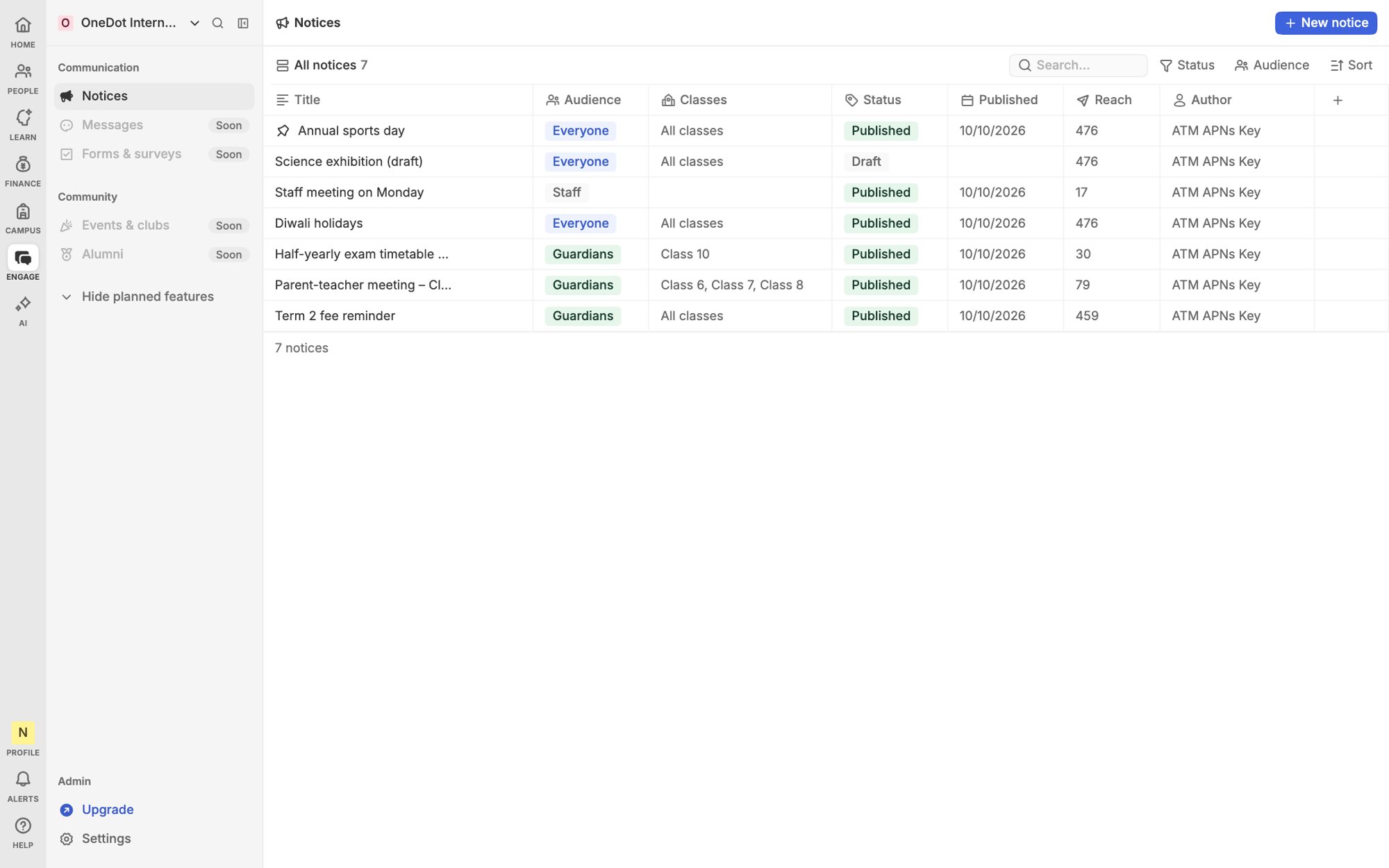
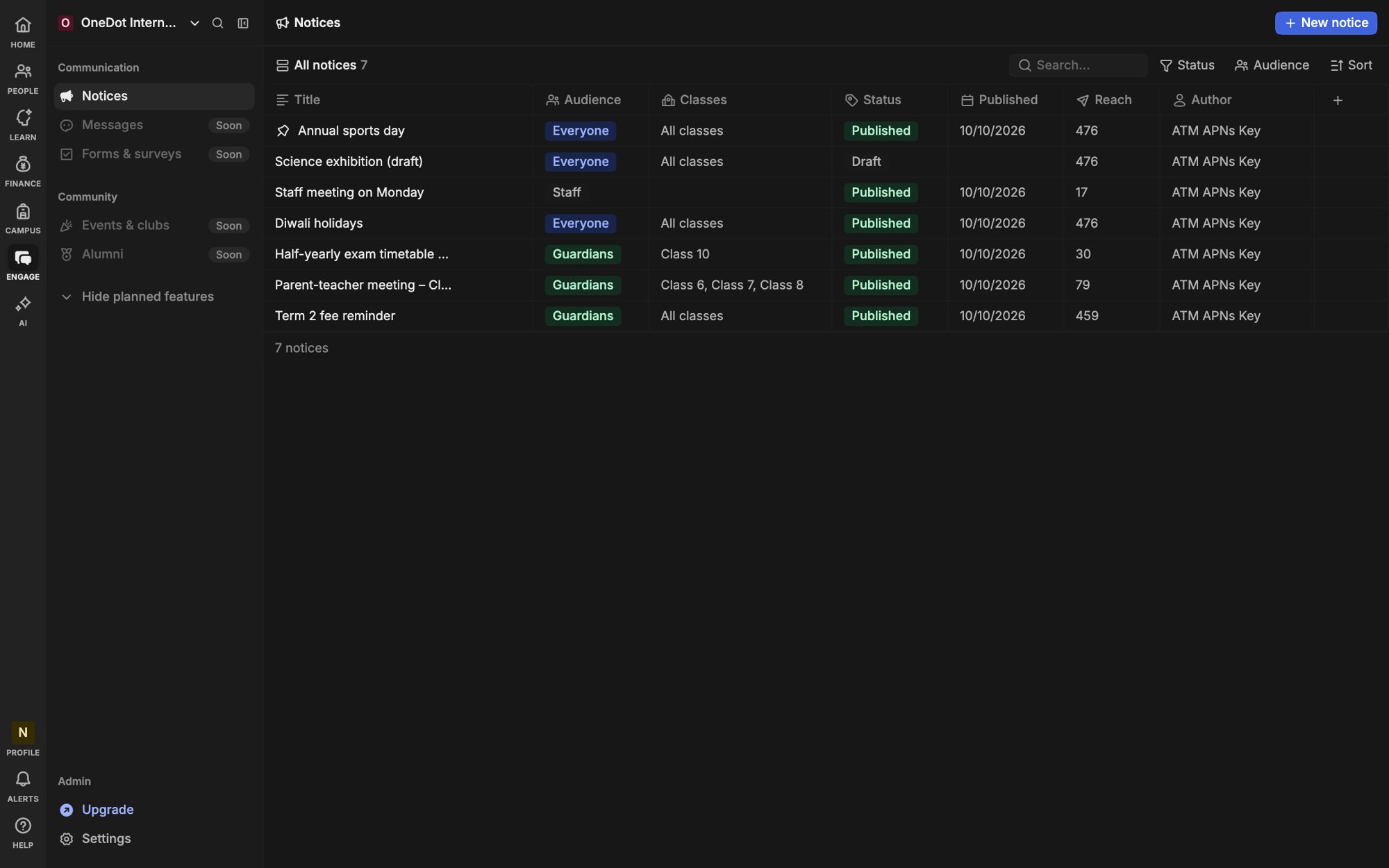
Send a notice to every family in the group, or only to one campus, one class or one bus route.
- Audiences by campus and class
- Approval before group-wide sends
- Delivery status per message
How Heidi compares
The same group, run on separate spreadsheets and run on Heidi.
Spreadsheets and separate tools
Each campus reports in its own format
Totals arrive late, by email
Access is shared by passing a file around
Nobody can say who changed a figure
Heidi
One format, defined once for the group
Totals are live on one dashboard
Access follows each person's role
Every change is logged with a name and a time



See all your campuses at once
No card needed. Free for up to 50 learners.